
Kitchen and store inventory for schools, colleges and hostels
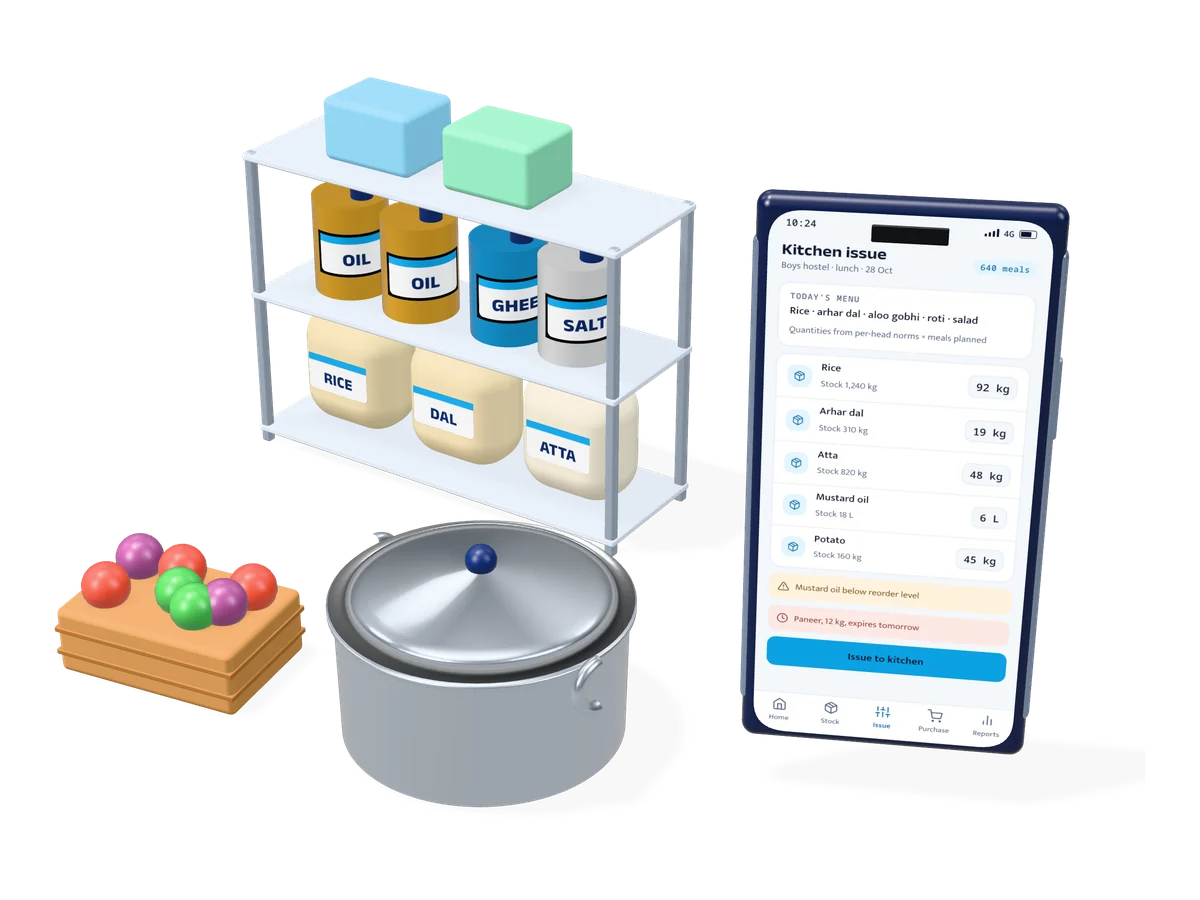
Know what came into the store, what went to the kitchen and what each meal cost. Record purchases and vendor bills, issue rations against the day’s menu and meal count, and catch shortages, wastage and expiring stock before they become a problem.
- Users
- Management, storekeeper, mess manager and accounts
- Stock
- Rations, vegetables, gas and cleaning supplies
- Kitchen
- Daily issue by menu and meal count
- Control
- Per-head norms, wastage and expiry alerts
- Sites
- One kitchen, or many campuses with a central store
For institutions that cook every day
Schools
School kitchens and day-boarding meals, with daily records for management.
Colleges and universities
Hostel messes, canteens and guest houses across a campus.
Hostels and residential campuses
Breakfast, lunch and dinner for hundreds of residents, every day.
Central kitchens
One kitchen cooking for many schools or sites, with dispatch records.
Store, kitchen and accounts on one system
Stock register
Live stock of every item in every store, with batch, unit and reorder level.
Purchases and vendors
Purchase requests, approvals, vendor rates and purchase orders.
Goods received
Quantity, weight and quality checked against the order and the bill.
Menu planning
Weekly menus by meal, with the rations each dish needs.
Issue by meal count
Rations issued to the kitchen from the menu and the number of meals planned.
Per-head norms
What was used compared with the norm per student, with over-issue flagged.
Wastage and expiry
Leftover and wastage logs, and alerts for stock close to its expiry date.
Cost per meal
Daily food cost per meal and per student, by kitchen and by month.
Storekeeper app
Stock entry, issue and photos of deliveries from a phone in the store.
From vendor to plate, every kilo accounted for
The store, the kitchen and the accounts team record their part as it happens. Management sees the whole picture without asking for registers.
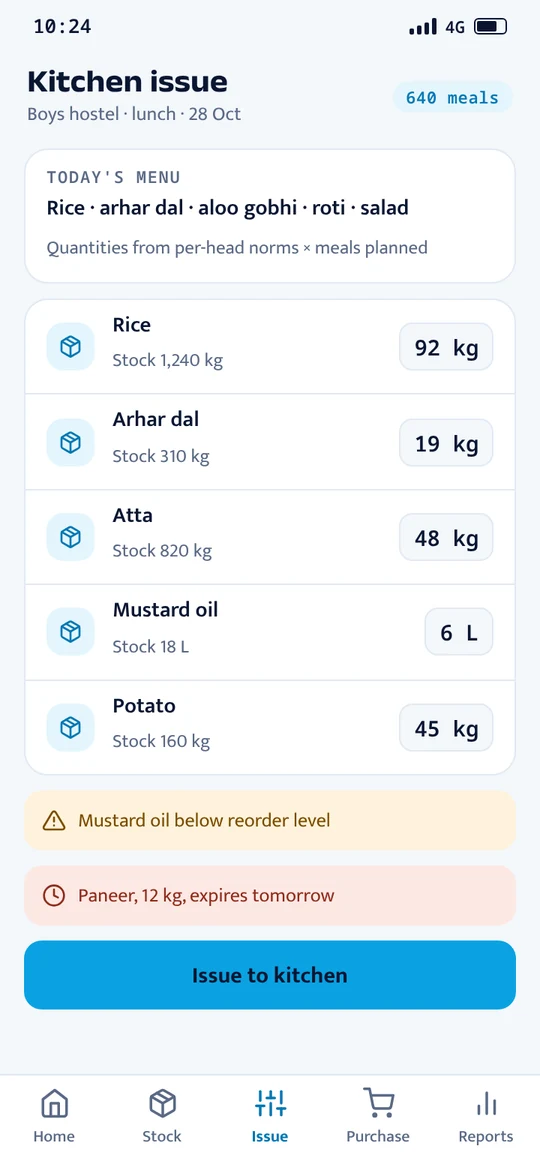
Issue rations by the meal count
The mess manager picks the menu and the number of meals. The app works out what to issue from the store and records it.
Screens show sample data.
Getting your kitchen started
Item master
Your items, units, stores, vendors and current stock set up.
Menus and norms
Weekly menus and per-head quantities agreed with your mess team.
Daily entry
Storekeeper and mess manager trained on the app, in Hindi or English.
Monthly review
Cost, wastage and stock reports reviewed with management.
Common questions
- Can it handle more than one kitchen?
- Yes. Each kitchen or hostel has its own store and reports, and a central store can transfer stock between them.
- Does it work for items other than food?
- Yes. Gas cylinders, cleaning supplies, utensils and other store items work the same way. The same software also runs general stock for shops and warehouses.
- Can the storekeeper use it on a phone?
- Yes. Stock entries, issues and delivery photos can be recorded on an Android phone.
- Can we see the cost per student?
- Yes. Daily and monthly food cost is shown per meal and per student, for each kitchen.

See it working on data like yours
Tell us how your team works today. We’ll set up the demo with sample data from a business like yours and walk you through the admin panel and the app.
Sales +91 93100 77762 · sales@hautitsolutions.com